Help and FAQ's
Record your journey in real-time and share your location
Record your journey and share your real-time location
You can now use your GPS enabled mobile phone to automatically record your flight in 3D into your gyropilots.org account, use it to create your stories, and share your real-time location with your buddies!
It has some advantages over other similar apps
1) It works in the background, even when you switch off the screen! So you can happily run it in conjunction with your favourite navigation app in the foreground (eg SkyDemon,etc). Alternatively you can just switch your screen off and put the phone in your pocket while flying!
2) It works even without an internet connection. Your path will remain stored on your phone and will sync automatically to the server as soon as phone signal returns.
Download them here


Keep your flight private
You do not need to let the world know that you are flying. If you do not want to appear on the flight tracker map or not notify anybody, simply select the "hide me from the public flight map" option before starting to track.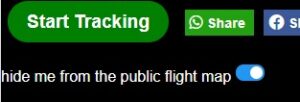
Instructions
IMPORTANT! On android 9+ and IOS 13+, before using the App, in your phone location/privacy settings you must authorise the app to run in the background, otherwise the app will suspend while not in the forefront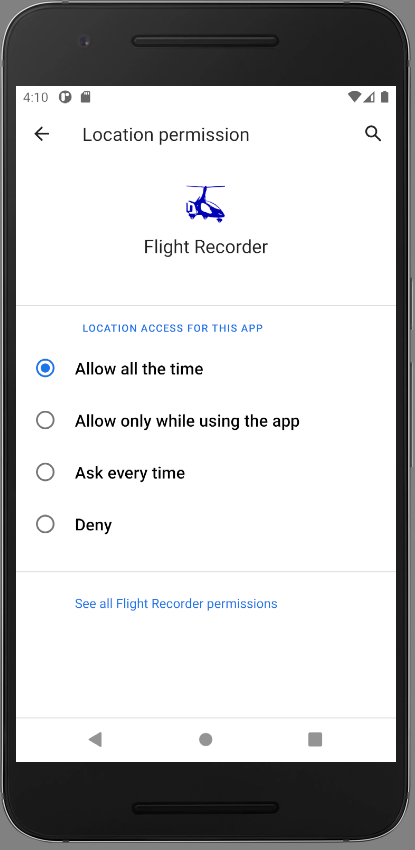
Tracking on other devices
For all other devices you can run the app in your browser from the tracker page. This will work on any device, but the page does need to remain in the foreground to keep recording.
Integration with eFlyingSchool.com
Integrate with eFlyingSchool.com
Flight Recorder App is now integrated with eFlyingSchool's flight logging system
Here is an additional reason to use The Flight Recorder App as an integral part of your flying: Many ga-pilots use eFlyingSchool.com's online booking system to log their flights.Create, start, stop and update your eFlyingSchool.com logs right from within the Flight Recorder App.
Your eFlyingSchool.com flight log entry is auto-started and stopped automatically when you begin and end your recording within the Flight Recorder App, and the start stop times are automatically updated. Any warnings generated in eFlyingSchool.com for the selected particular flight will also appear in the app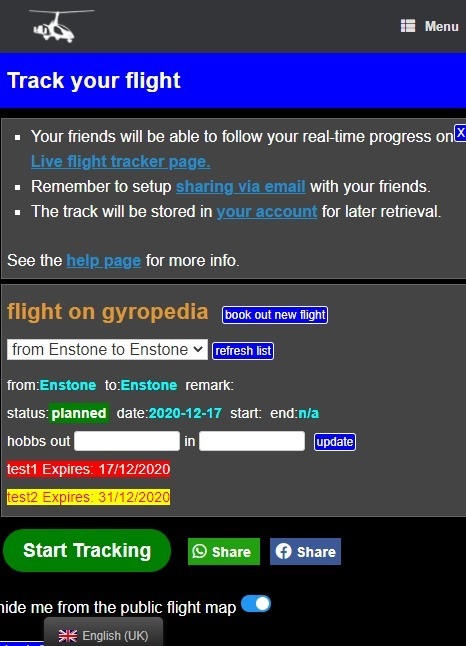
View your recorded track in 3D from within your Pilot's Logbook in eFlyingSchool
When you view your completed flight on eFlyingSchool which was activated through the Flight Recorder App, you will see appear an extra link taking you to the 3D view of your flight.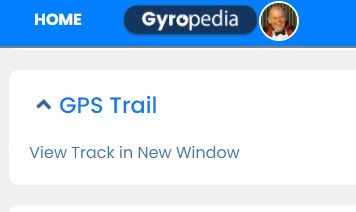
Connecting the Flight Recorder App to eFlyingSchool.com
Connecting the Flight Recorder App to your eFlyingSchool.com account is a breeze: just press the "Connect Now" button and log into your eFlyingSchool.com account when presented with the eFlyingSchool.com login page.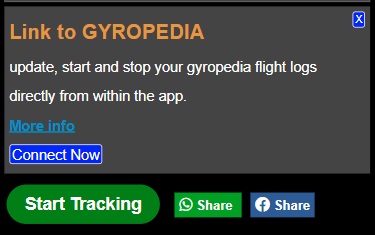 This will store a special access code in your profile. If you ever want to disconnect the app from your eFlyingSchool.com account simply delete this code from your profile settings
Import your routes files from SkyDemon or similar apps
Import your routes files from SkyDemon or similar apps
gyropilots.org continues to receive new features! You are now able to import and your routes from kml files into your account. The feature is available on your track manager in your account. Upload and view them directly on the track manager via the inbuilt viewer.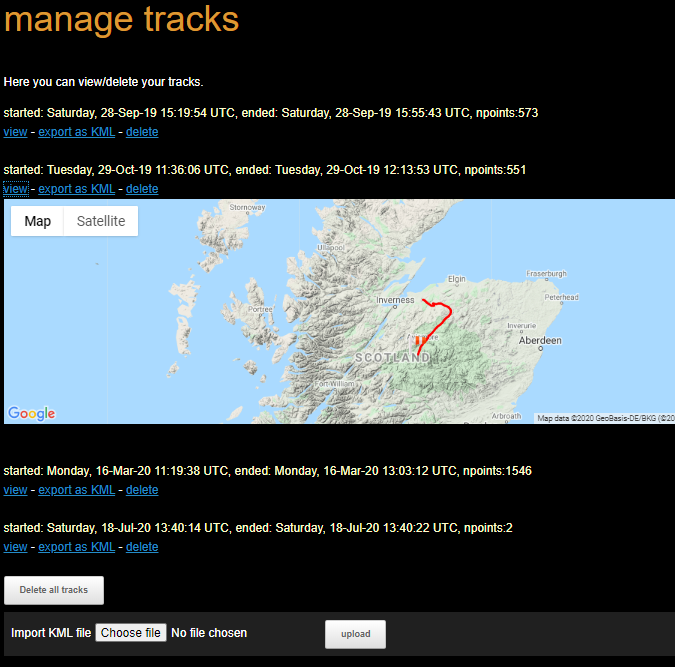 The track manager is also where your journeys that you record using the gyropilots.org App as explained above.
Notifications and alerts
Notifications and alerts
Be notified when other members go flying or post stories
gyropilot.org continues to gain new features to foster collaboration and engagement among its members. Verified members will see on the profile page of each other member a couple of "follow" buttons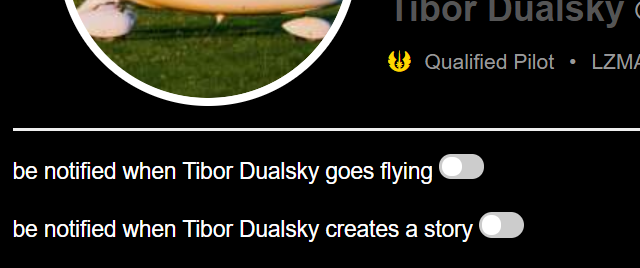 Switching these on will allow the system to send you an email when this member goes flying or creates a story.
You can view and manage all these notifications also from your notifications panel.
Switching these on will allow the system to send you an email when this member goes flying or creates a story.
You can view and manage all these notifications also from your notifications panel.
Alerting your friends (and not just members)
In the notifications panel you can also add email addresses of your friends and family who will be notified when you create a story or go flying. They will receive an email redirecting them to the live tracker page showing your real-time location.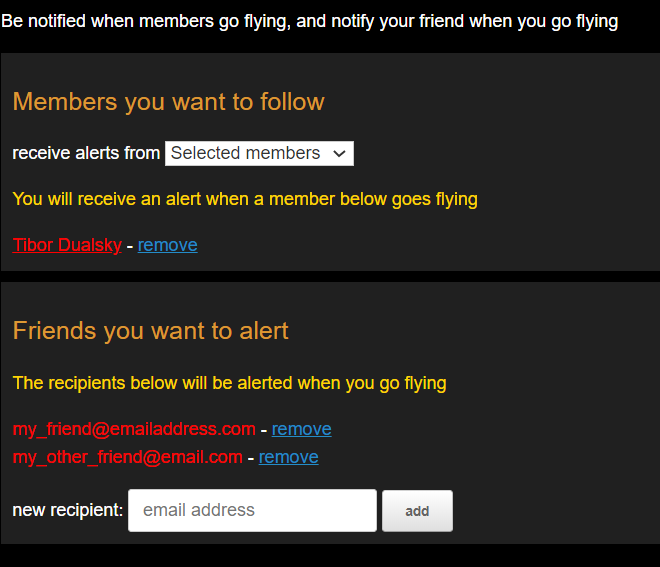
Send a live video with your camera while flying
Send a live video with your camera while flying
You are now able to stream live video from your camera or phone while flying! The real-time video will appear on your live page allowing friends and family to follow you as you fly. This feature is particularly useful for trainee pilots doing their solos allowing their instructors to visually follow them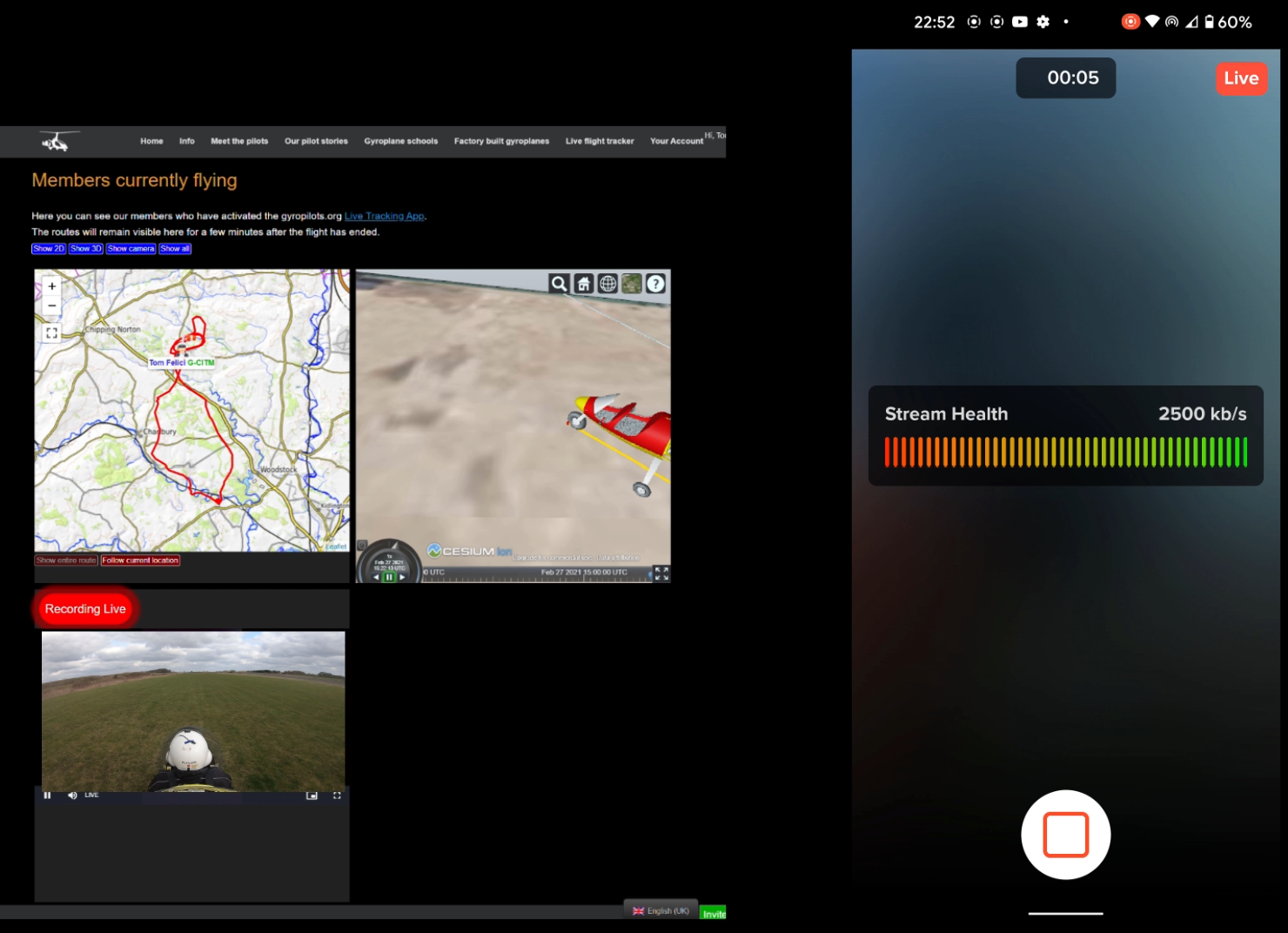 You can live stream in one of two ways
Live stream via the Flight Recorder App
You can stream directly using your phone camera at a simple click of a button from within the Flight Recorder App itself. Just install the companion Camera App the first time by following the link in the popup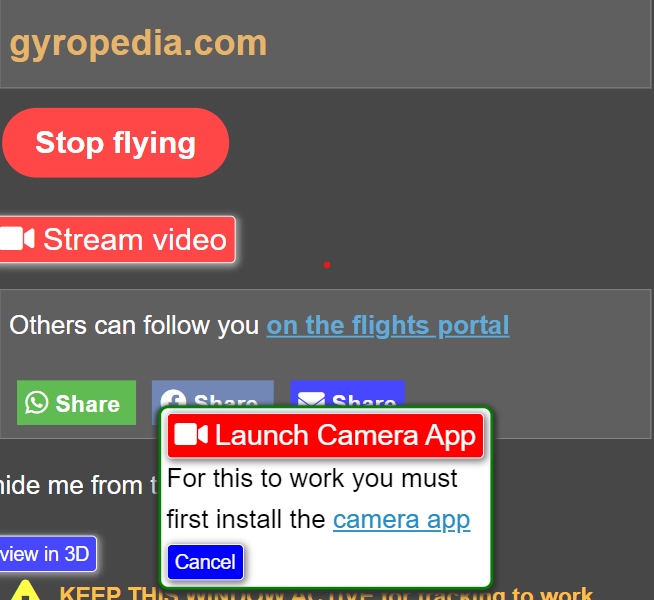
Setup with GoPro 7 Black (and later) for live streaming
The feature uses Real-Time Messaging Protocol (RTMP) which is supported by the later GoPro's. Navigate to your camera console page and create a new camera. Then copy the RTMP address which you will then set in your GoPro live stream settings as shown here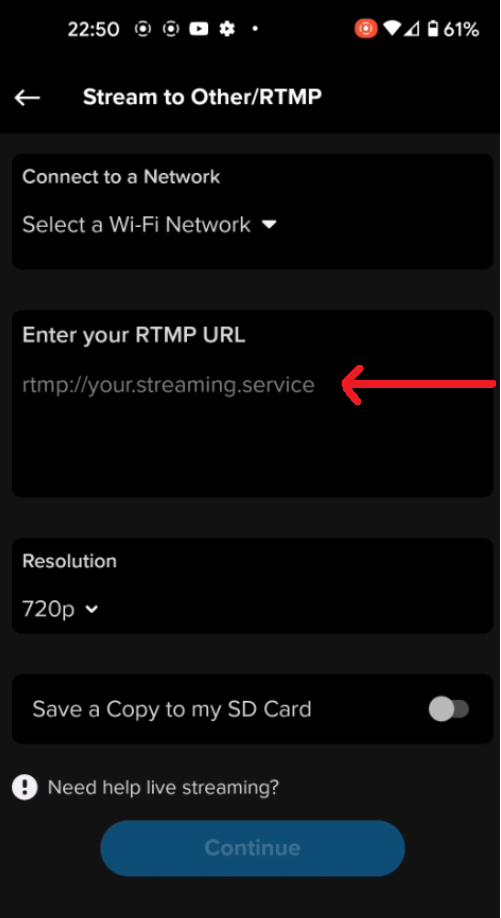 Here is a video describing the setup
Overcome the limitations of the GoPro: The RPI Streamer to the rescue.
🚀 Meet the new RPI Streamer!
The original gyropilots.org Encoder described below has been superseded by the RPI Streamer — a more powerful, all-in-one GPS tracking and live streaming device with built-in 4G connectivity, automatic reconnection, and one-button operation. We recommend the RPI Streamer for all new setups.
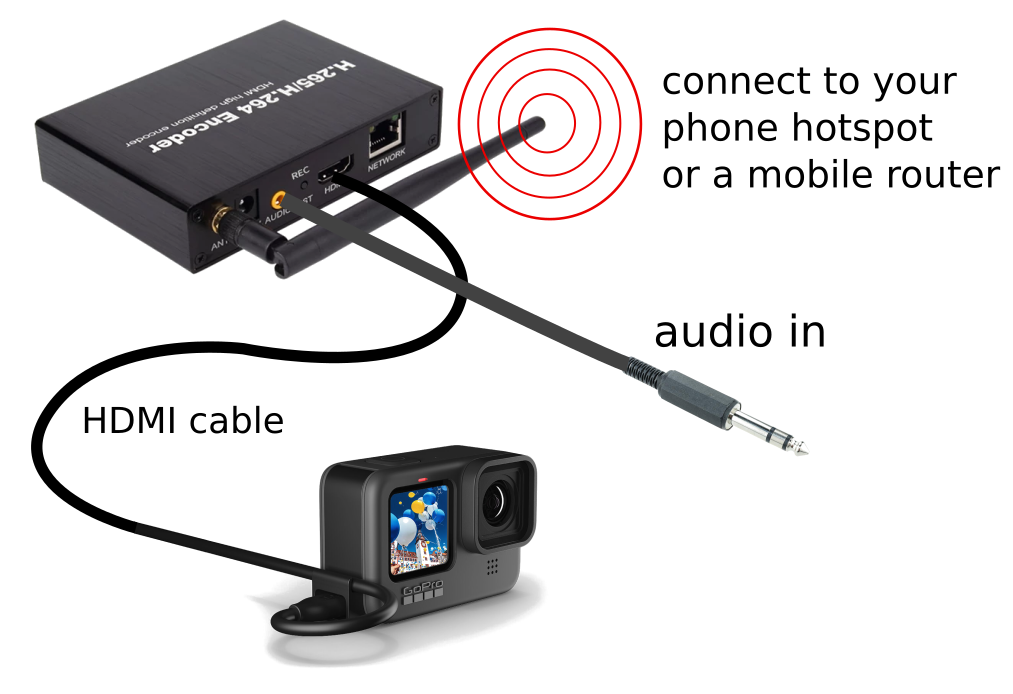 The GoPro streaming works well in a static environment when connected to a reliable WIFI network. In practice however it is not resilient in poor network conditions: the camera will spontaneously terminate live streaming when flying through a weak signal area or when a change of cellular connection occurs, which is bound to happen on any cross country flight!
The other limitation is that the GoPro App is very finnicky, and can take sometime to set the camera up to stream before departing.
This is where our Network Encoder comes into its own.
The GoPro streaming works well in a static environment when connected to a reliable WIFI network. In practice however it is not resilient in poor network conditions: the camera will spontaneously terminate live streaming when flying through a weak signal area or when a change of cellular connection occurs, which is bound to happen on any cross country flight!
The other limitation is that the GoPro App is very finnicky, and can take sometime to set the camera up to stream before departing.
This is where our Network Encoder comes into its own.
- The Encoder has undergone extensive testing, and functions even in very bad signal areas, restarting automatically when traversing a zone with no data network or upon a change or cell tower.
- The Encoder is controlled by a simple ONE BUTTON push, and is integrated into the gyropilots.org Flight Recorder App , so the setup is a breeze, and is automatically started when pressing the "start recording" button on the Flight Recorder App and stopped when the flight is ended.
- The encoder can be connected directly to the RT intercom for sound recording, thereby avoiding the need to purchase the (pricey) GoPro audio adapter.
- The Encoder can powered by standard USB charger, or a 12v Car Socket
- The Encoder can be connected to any camera with an HDMI output: it does not have to be a GoPro 7+!
Live preview in the App
You can view the live stream from within the Flight Recorder App itself.
As this is exactly the same video that is displaying on your gyropilots.org live tracker page, it means you can now check that your camera is streaming as intended before going flying.
Add multiple cameras, and share them with other pilots
For aircraft with many users (such as training or rental aircraft), it makes sense to install one camera on the aircraft, and allow other gyropilot.org members to access it from their own Flight Recorder App.
Camera sharing can be configured directly from your App via the Manage Cameras button which takes you to the shiny new camera console page
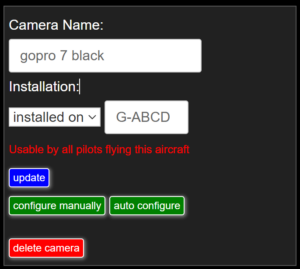
Here you can specify if the camera is installed on the aircraft, or if you just carry it with you when you go flying.
- If you tell the system the camera installed on an aircraft, say G-ABCD, then any member flying on G-ABCS will see that camera in their list
- Otherwise the camera is only visible to you